
Troubleshooting
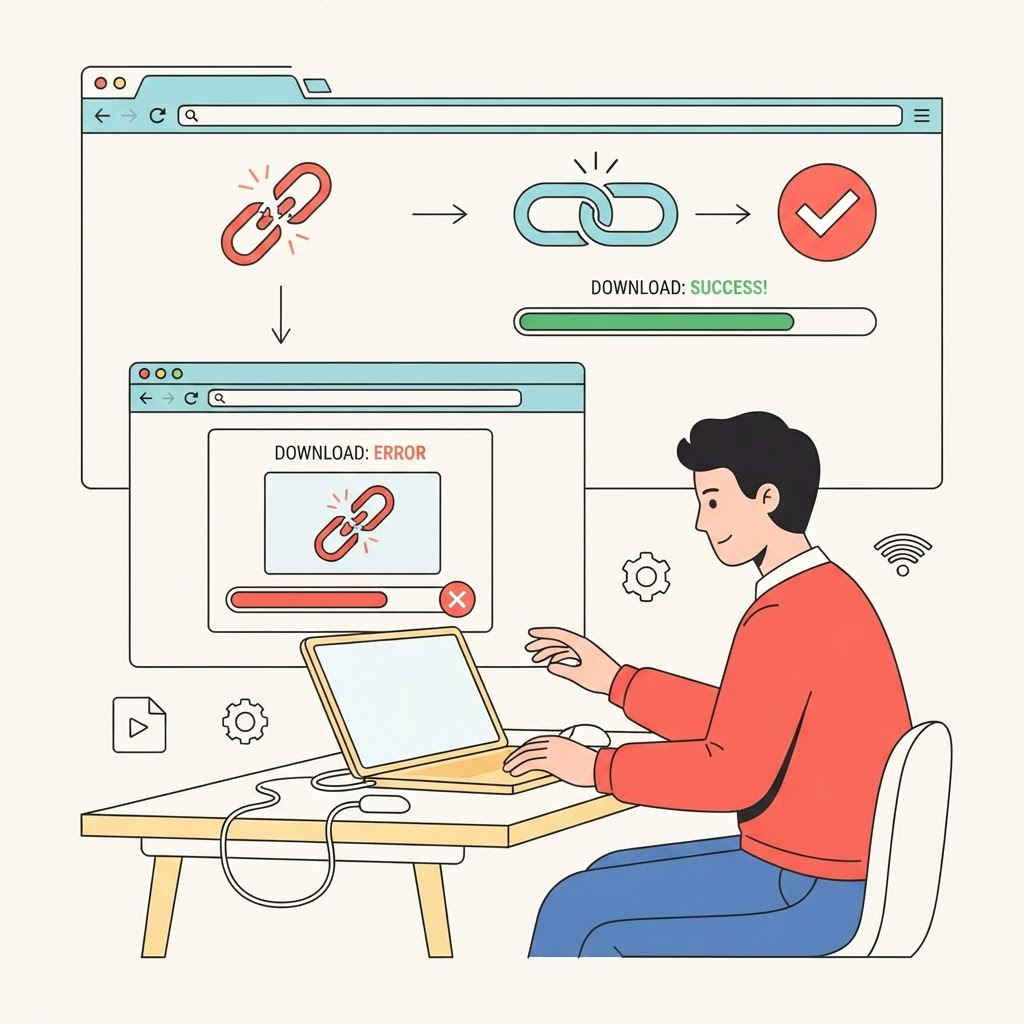
TikTok download not working? Common causes and fixes
Troubleshoot invalid links, unavailable posts, stalled downloads, missing audio, browser blocks, and temporary provider errors.
Confirm the post is available
Open the link directly in a browser. Private, deleted, friends-only, age-restricted, live, region-limited, and some slideshow posts may not be available to a public download service.
If the creator changed visibility or removed the video, a downloader cannot restore access. Ask the creator for an authorized copy instead.
Copy a clean video link
Use Share and Copy link on the exact video. Do not paste a profile, search, inbox, or studio-management address. Remove punctuation or commentary that a messaging app may have added.
Short share links normally redirect, but a fresh full link can help when an old redirect has expired or behaves differently by region.
Fix browser and device problems
Use a current version of Safari, Chrome, Edge, or Firefox. Check that downloads are allowed, storage is available, and aggressive content blockers are not preventing the file request.
If tapping a button opens media in a tab, use the browser’s download or share control. On a shared device, confirm that a parental-control or organization policy is not blocking downloads.
Understand provider and format limits
TokSave relies on a processing provider to inspect public links. Temporary rate limits, upstream changes, and timeouts can affect otherwise valid posts. Wait briefly and try once more rather than sending repeated requests.
Only qualities and audio files actually returned by the provider are displayed. If HD, SD, or audio is absent, the source did not provide a distinct usable option at that moment.
Use the error message as a guide
An invalid-link error points to the pasted address. An unavailable-video error usually concerns privacy, deletion, or restrictions. A temporary-service error suggests waiting and trying later.
Never install unknown software or browser extensions that promise to bypass privacy controls. If a permitted download remains unavailable, request the original file from its creator.
Keep reading
How-to guide
How to download TikTok videos on any device
A complete device-by-device guide to saving a TikTok video when you have permission from its creator.
Video quality
How to save TikTok videos without losing quality
Understand resolution, compression, formats, and the small choices that help preserve a clean copy.
Responsible use
TikTok downloads, copyright, and permission: a practical guide
A plain-language overview of responsible downloads, creator permission, attribution, and common misconceptions.
Creator workflow
How to save and archive your own TikTok videos
Build a reliable archive of videos you created, including source links, captions, dates, and clean master files.
Draft safety
How to save TikTok drafts before deleting an account
Protect drafts stored on your phone before signing out, changing devices, reinstalling TikTok, or deleting an account.
File management
Where are TikTok downloads saved on iPhone, Android, Windows, and Mac?
Find downloaded video and audio files quickly, move them to the right folder, and fix downloads that seem to disappear.
Audio formats
MP3 vs M4A: which audio format should you use?
Compare compatibility, quality, and file size—and understand why renaming an M4A file does not convert it into MP3.
Browser guide
How to download TikTok videos in Chrome, Safari, Firefox, and Edge
Browser-specific steps for downloading permitted videos and finding the saved file on desktop and mobile.