
Audio formats
MP3 vs M4A: which audio format should you use?
Compare compatibility, quality, and file size—and understand why renaming an M4A file does not convert it into MP3.
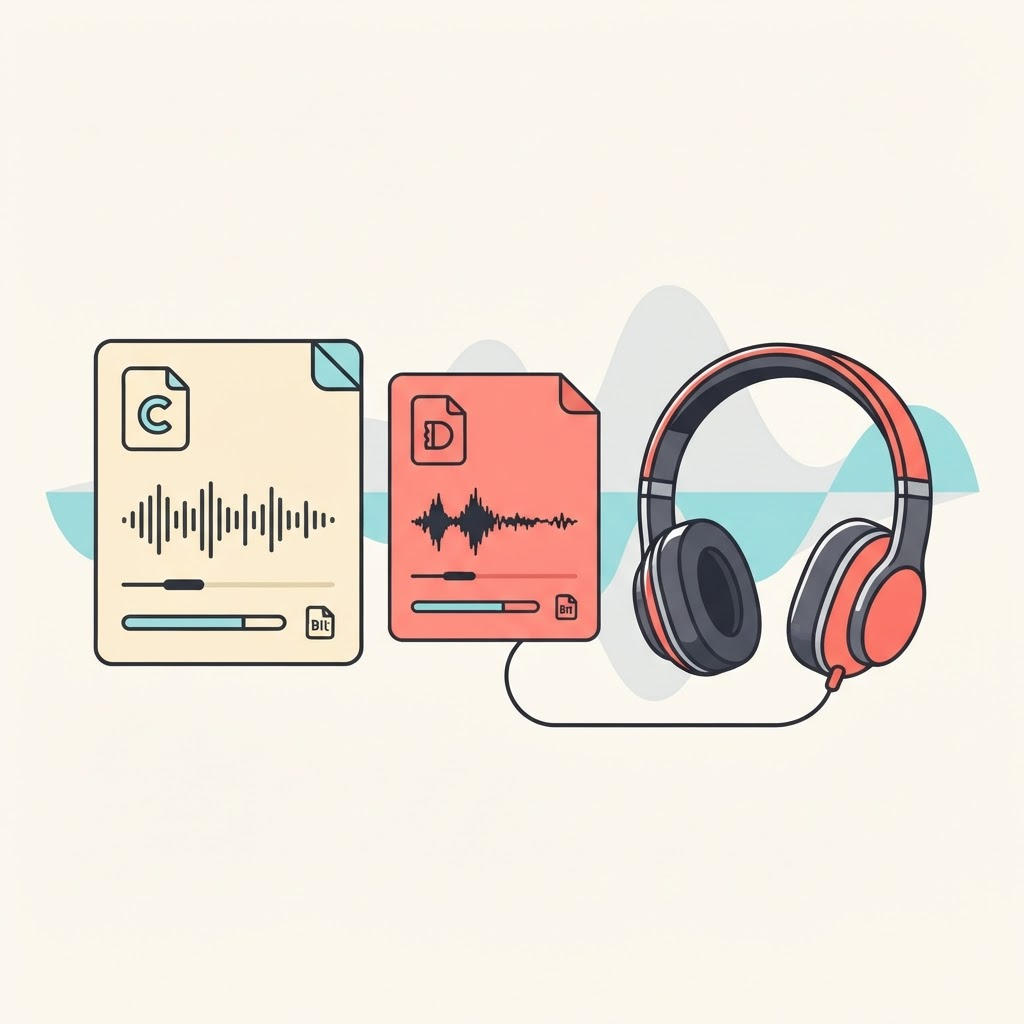
What MP3 and M4A mean
MP3 is a widely supported compressed audio format. M4A is a file container often used with AAC audio and is common on phones, browsers, and streaming platforms.
A file extension describes how data is packaged; it does not guarantee a particular quality. Bitrate, codec settings, and the source recording matter more than the letters in the filename.
Compatibility versus efficiency
MP3 remains useful for older devices, basic editors, and systems with strict upload requirements. M4A/AAC often provides comparable perceived quality at a lower bitrate, which can produce a smaller file.
Modern Apple, Android, Windows, and macOS devices generally support both, but a particular editing or publishing tool may accept only one. Check that destination before converting.
Why audio size can be confusing
A genuine audio-only file should normally be smaller than a video of the same duration, but provider metadata and server responses can be wrong. TokSave therefore checks that an audio option is actually audio and smaller than available video before displaying it.
Duration and bitrate determine size. A long, high-bitrate audio file can still be large, while a heavily compressed short video can be unexpectedly small.
Renaming is not conversion
Changing song.m4a to song.mp3 does not re-encode the audio. It merely gives the same data a misleading label, which may cause playback or upload failures.
If MP3 is required, use a trusted audio editor or converter that decodes the source and creates a real MP3. Converting a compressed file cannot restore detail already lost.
Choose the practical option
Keep M4A when it plays in your intended app and you value efficient size. Choose MP3 when broad legacy compatibility is the priority. For editing, preserve the cleanest authorized source and convert only the finished copy if necessary.
TokSave labels audio using the format the media server actually returns rather than promising MP3 for every post.
Keep reading
How-to guide
How to download TikTok videos on any device
A complete device-by-device guide to saving a TikTok video when you have permission from its creator.
Video quality
How to save TikTok videos without losing quality
Understand resolution, compression, formats, and the small choices that help preserve a clean copy.
Responsible use
TikTok downloads, copyright, and permission: a practical guide
A plain-language overview of responsible downloads, creator permission, attribution, and common misconceptions.
Creator workflow
How to save and archive your own TikTok videos
Build a reliable archive of videos you created, including source links, captions, dates, and clean master files.
Draft safety
How to save TikTok drafts before deleting an account
Protect drafts stored on your phone before signing out, changing devices, reinstalling TikTok, or deleting an account.
File management
Where are TikTok downloads saved on iPhone, Android, Windows, and Mac?
Find downloaded video and audio files quickly, move them to the right folder, and fix downloads that seem to disappear.
Troubleshooting
TikTok download not working? Common causes and fixes
Troubleshoot invalid links, unavailable posts, stalled downloads, missing audio, browser blocks, and temporary provider errors.
Browser guide
How to download TikTok videos in Chrome, Safari, Firefox, and Edge
Browser-specific steps for downloading permitted videos and finding the saved file on desktop and mobile.