
Draft safety
How to save TikTok drafts before deleting an account
Protect drafts stored on your phone before signing out, changing devices, reinstalling TikTok, or deleting an account.
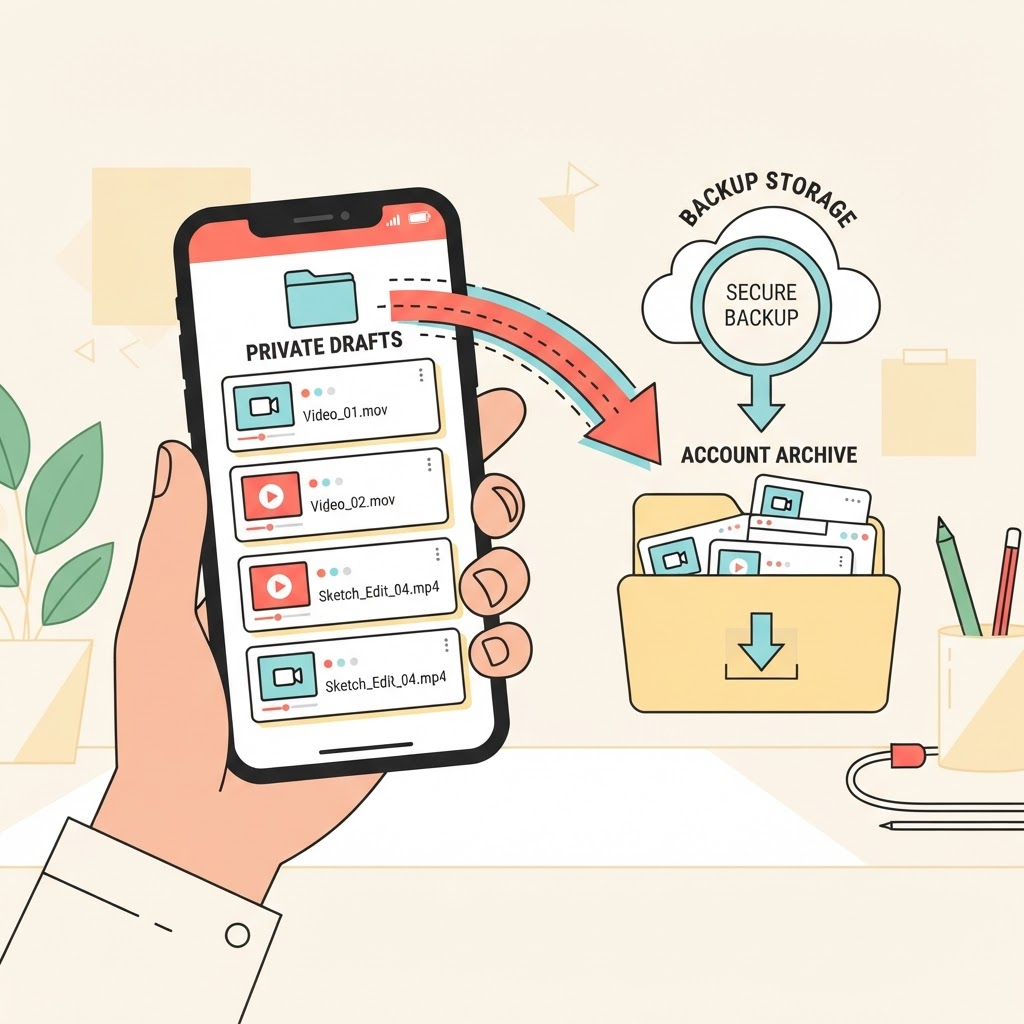
Why drafts need special care
TikTok drafts are generally associated with the device and app installation where they were created. They may not follow you to a new phone, and deleting app data or the account can make them unavailable.
A public-link downloader cannot retrieve an unpublished draft because it has no public video URL. Work from the original device while you still have access.
Review drafts before making changes
Open the Drafts area and decide which clips are worth preserving. Check whether the raw footage already exists in Photos, Gallery, or your editing app. Save captions, text, and timing notes separately if they matter.
Do this before signing out, reinstalling the app, clearing storage, resetting the phone, or beginning account deletion. Avoid relying on the idea that drafts will synchronize automatically.
Create a private backup
Use TikTok’s available save or export controls where offered. Another option is to publish a draft with the visibility set to Only you, enable saving if available, and then save your own post. Review the visibility carefully before posting anything sensitive.
If the app cannot export a clean version, return to the original clips and rebuild the edit in a video editor. Screen recording is a last resort because it can capture controls and reduce quality.
Confirm every important file
Play each saved video from beginning to end outside TikTok. Check audio, text overlays, timing, and orientation. A thumbnail in a gallery does not prove that the complete file is healthy.
Move confirmed copies into a named backup folder and copy that folder to a second location before changing the account or device.
Delete only after verification
Account deletion may include a waiting period, but do not treat that as a backup plan. Confirm your files first, then follow TikTok’s current account controls.
Private drafts can include people or places that were never meant to be shared. Keep backups secure and do not upload them to a public service merely to move them between devices.
Keep reading
How-to guide
How to download TikTok videos on any device
A complete device-by-device guide to saving a TikTok video when you have permission from its creator.
Video quality
How to save TikTok videos without losing quality
Understand resolution, compression, formats, and the small choices that help preserve a clean copy.
Responsible use
TikTok downloads, copyright, and permission: a practical guide
A plain-language overview of responsible downloads, creator permission, attribution, and common misconceptions.
Creator workflow
How to save and archive your own TikTok videos
Build a reliable archive of videos you created, including source links, captions, dates, and clean master files.
File management
Where are TikTok downloads saved on iPhone, Android, Windows, and Mac?
Find downloaded video and audio files quickly, move them to the right folder, and fix downloads that seem to disappear.
Troubleshooting
TikTok download not working? Common causes and fixes
Troubleshoot invalid links, unavailable posts, stalled downloads, missing audio, browser blocks, and temporary provider errors.
Audio formats
MP3 vs M4A: which audio format should you use?
Compare compatibility, quality, and file size—and understand why renaming an M4A file does not convert it into MP3.
Browser guide
How to download TikTok videos in Chrome, Safari, Firefox, and Edge
Browser-specific steps for downloading permitted videos and finding the saved file on desktop and mobile.