

How-to guide
11 min read
How to download TikTok videos on any device
A complete device-by-device guide to saving a TikTok video when you have permission from its creator.
Read articleTokSave guides
Detailed, carefully written guides for saving your own clips, preserving useful quality, fixing common problems, and respecting creator rights.
How-to guide
11 min read
A complete device-by-device guide to saving a TikTok video when you have permission from its creator.
Read article
Video quality
12 min read
Understand resolution, compression, formats, and the small choices that help preserve a clean copy.
Read article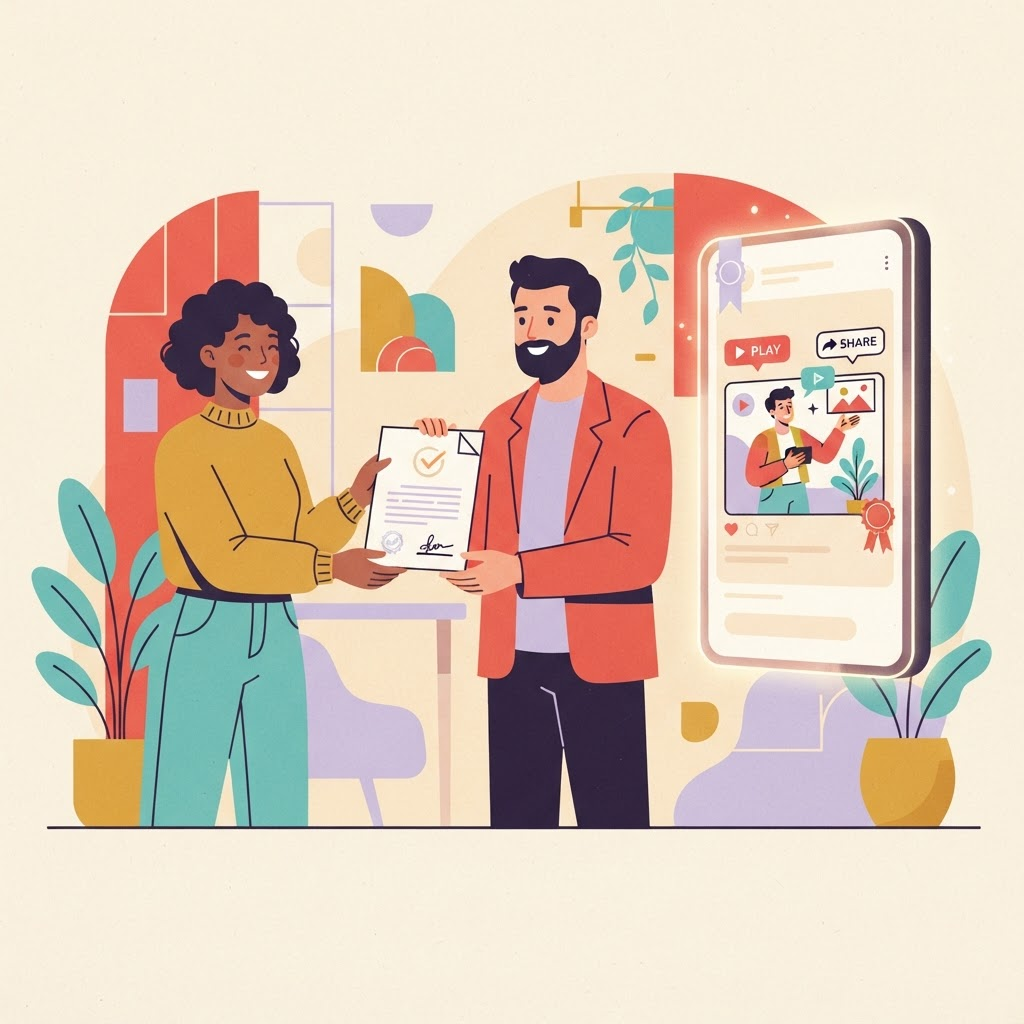
Responsible use
13 min read
A plain-language overview of responsible downloads, creator permission, attribution, and common misconceptions.
Read article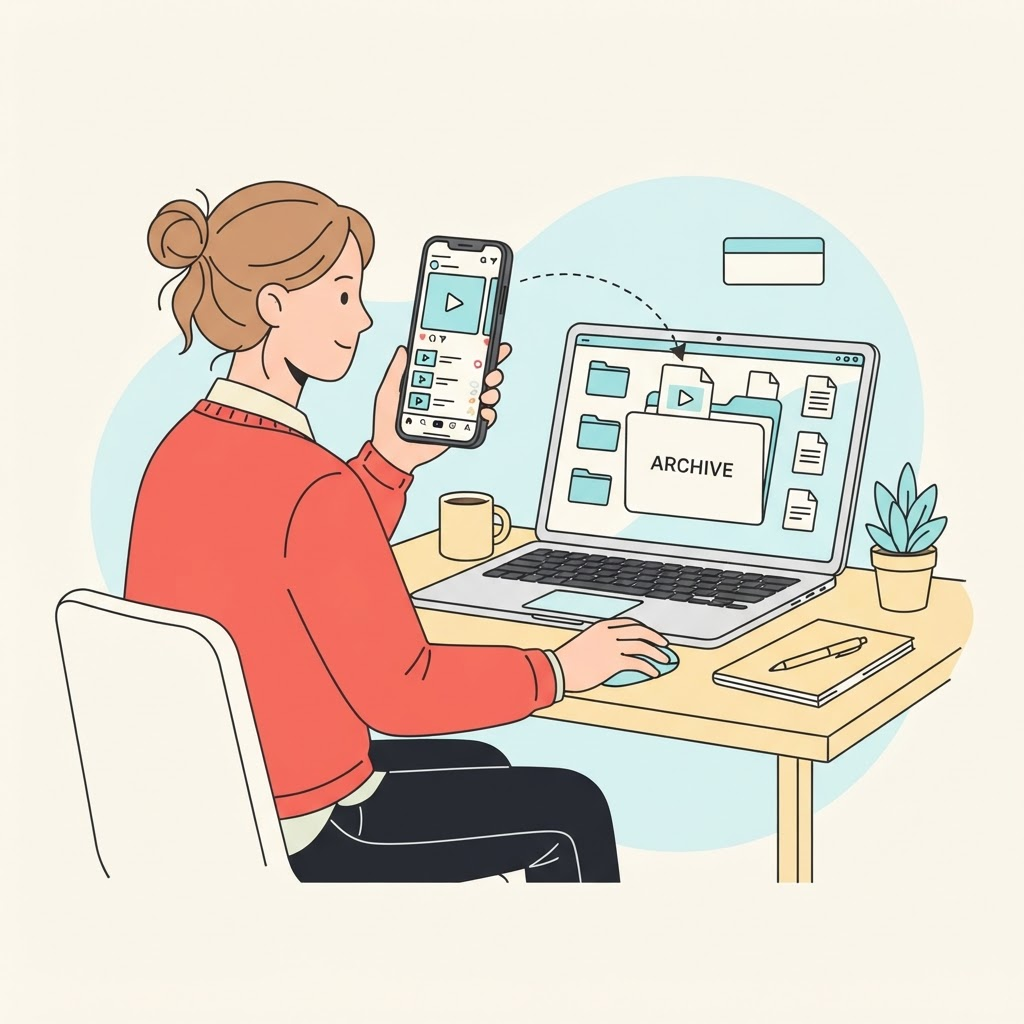
Creator workflow
8 min read
Build a reliable archive of videos you created, including source links, captions, dates, and clean master files.
Read article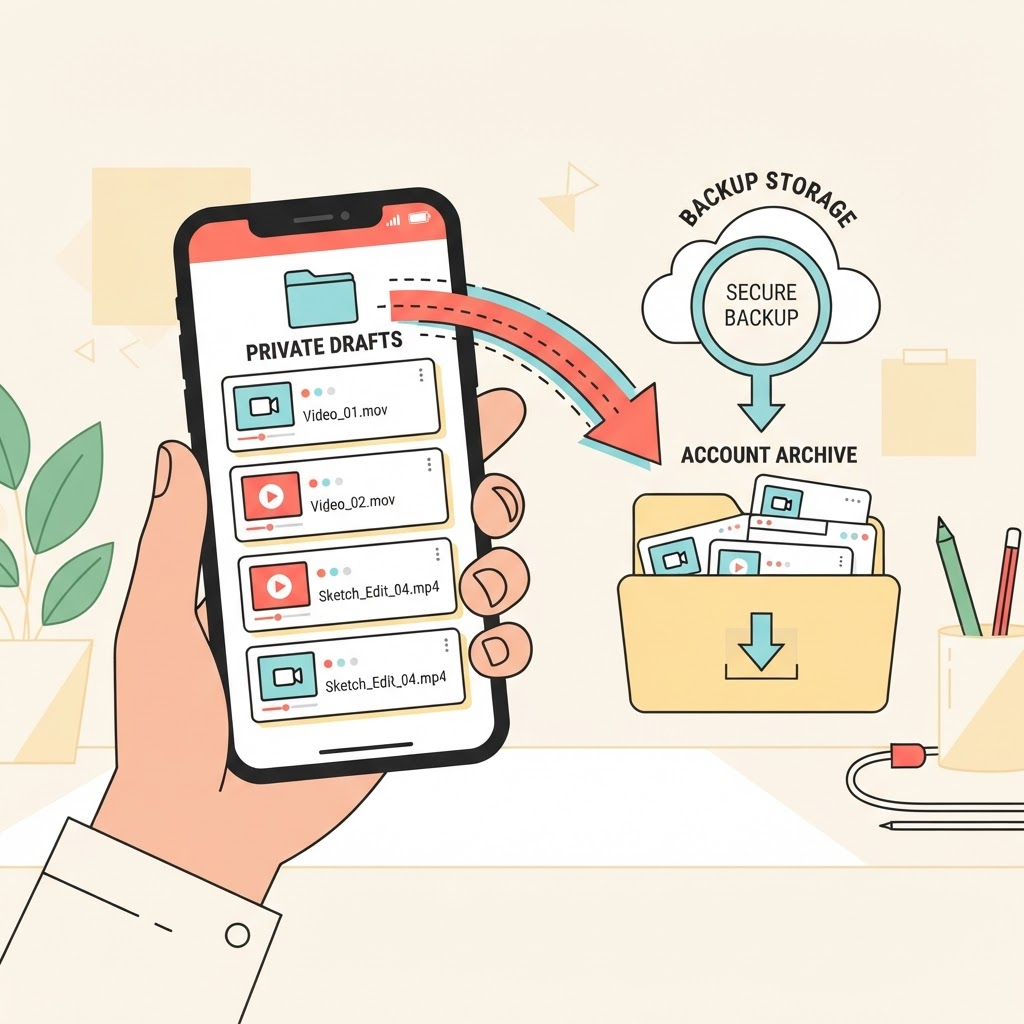
Draft safety
7 min read
Protect drafts stored on your phone before signing out, changing devices, reinstalling TikTok, or deleting an account.
Read article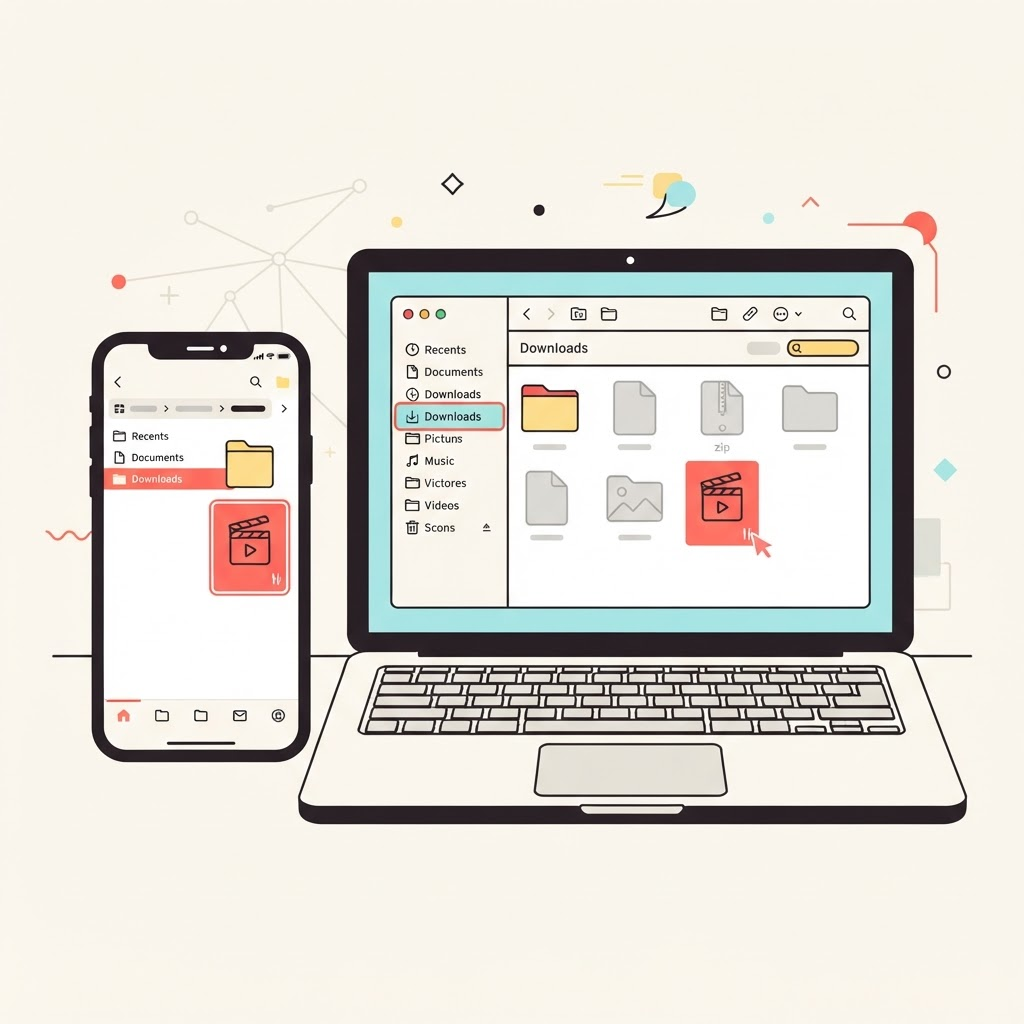
File management
8 min read
Find downloaded video and audio files quickly, move them to the right folder, and fix downloads that seem to disappear.
Read article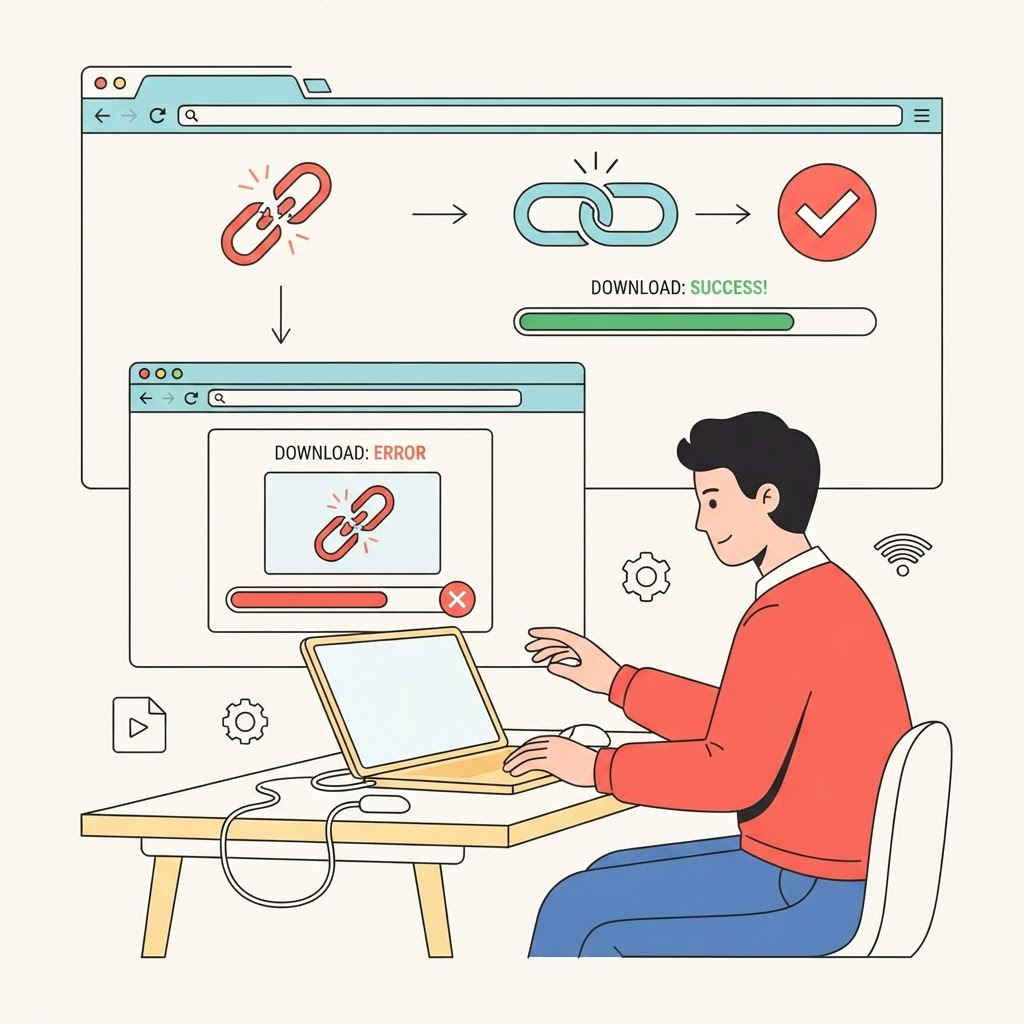
Troubleshooting
10 min read
Troubleshoot invalid links, unavailable posts, stalled downloads, missing audio, browser blocks, and temporary provider errors.
Read article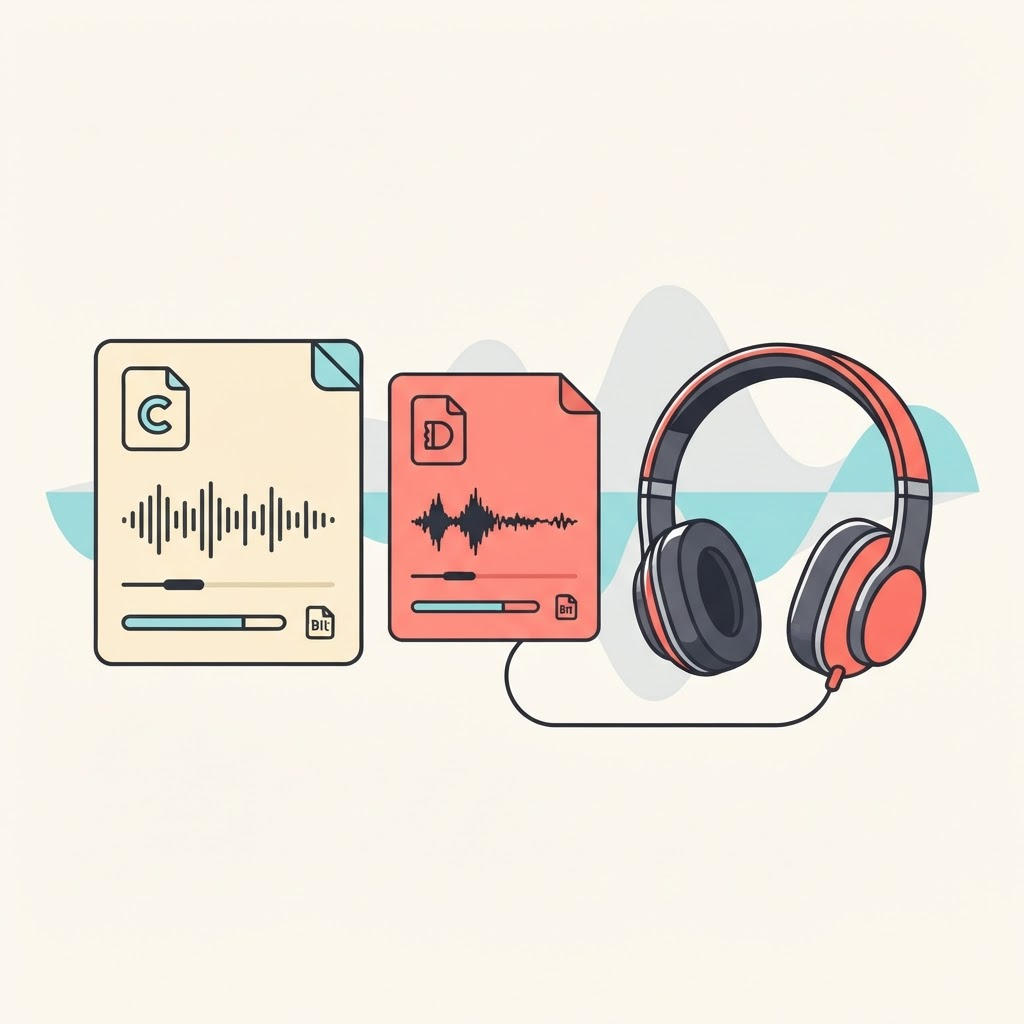
Audio formats
9 min read
Compare compatibility, quality, and file size—and understand why renaming an M4A file does not convert it into MP3.
Read article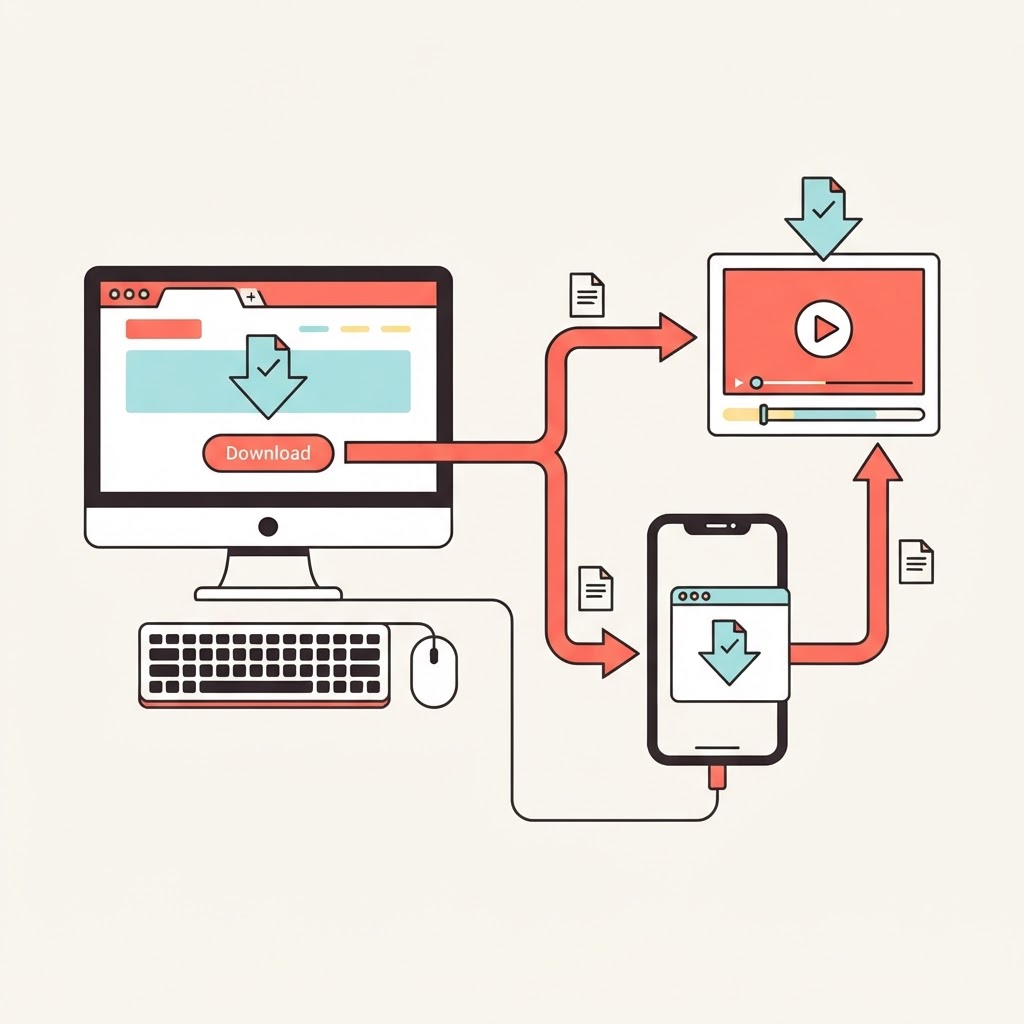
Browser guide
9 min read
Browser-specific steps for downloading permitted videos and finding the saved file on desktop and mobile.
Read article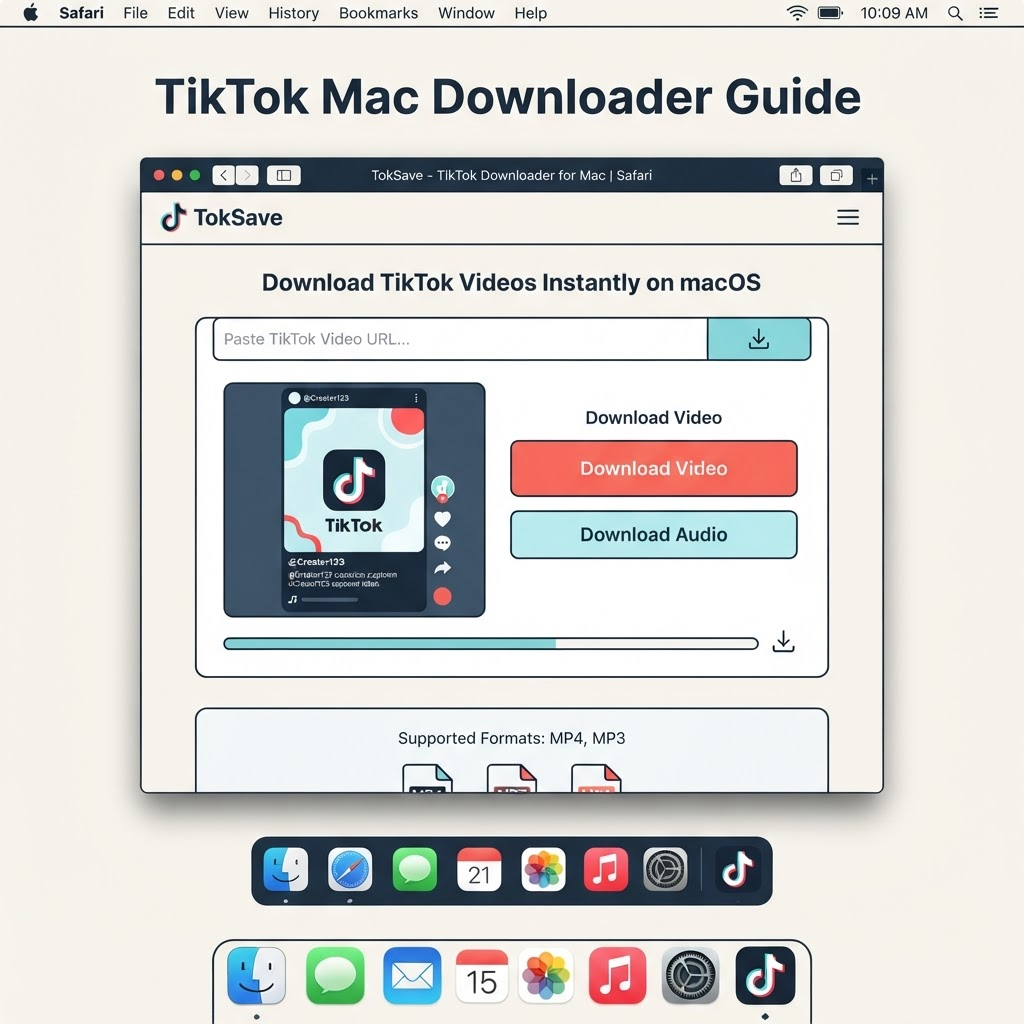
Device guide
6 min read
Simple steps for saving TikTok videos on macOS using Safari, Chrome, or Firefox with working examples.
Read article
How-to guide
7 min read
TokSave is a no-account TikTok saver that respects your privacy and works in any modern browser.
Read article
Creator workflow
5 min read
Backup your private drafts from the device where they were created before signing out, changing devices, or closing your account.
Read article