
Creator workflow
How to save TikTok draft videos before deleting an account
Backup your private drafts from the device where they were created before signing out, changing devices, or closing your account.
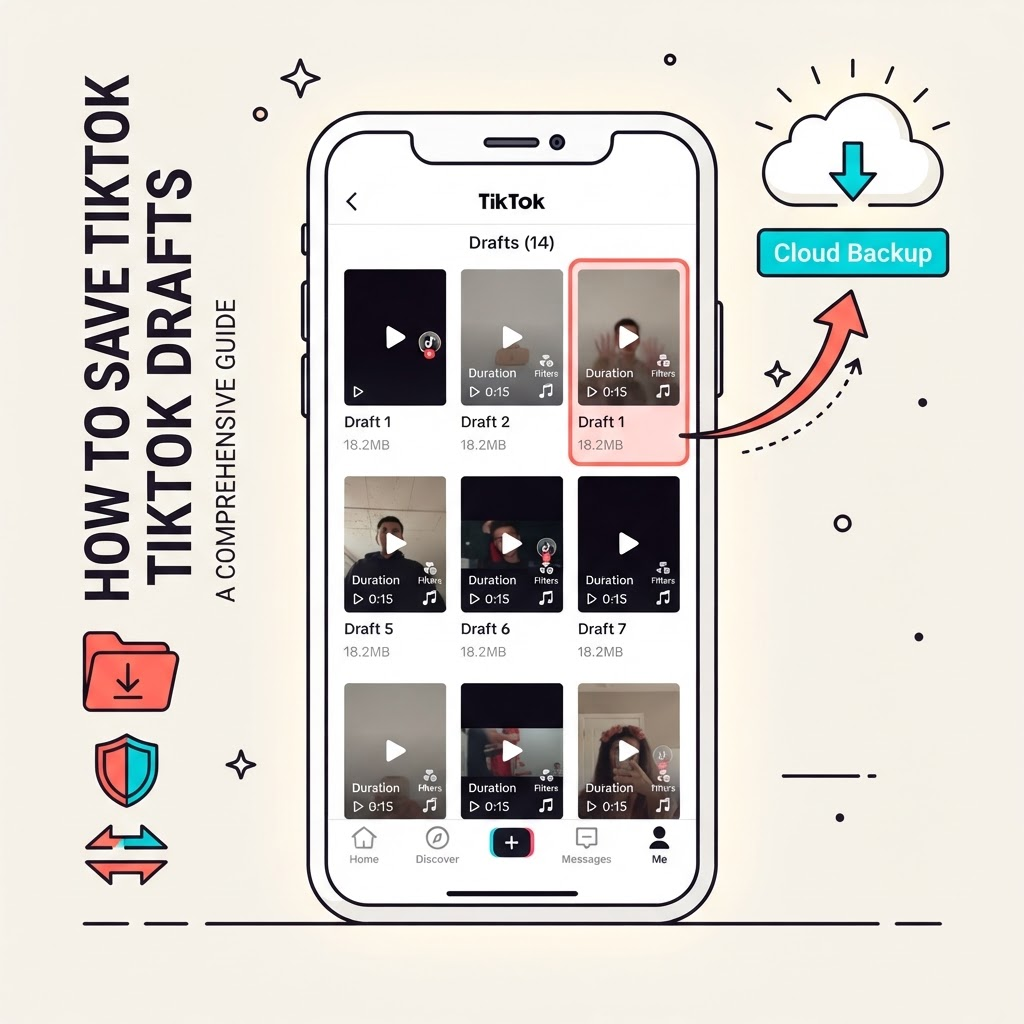
Why drafts need immediate backup
Drafts live on your device and are tied to your account login. Changing devices, reinstalling the app, or closing your account means losing access to unpublished work. Backup early.
Before deleting your account
If you plan to delete your TikTok account, decide which drafts are worth saving. Review the Drafts section in the app and note which videos contain original performances, unique ideas, or personal moments.
Export or screen record
Some drafts can be exported directly from TikTok's app menu. If no export option appears, use your phone's screen recording feature as a last resort. Record the full draft playback and save the video file to your Photos or Files app.
Move to cloud storage
After recording or exporting, save the file to iCloud Photos, Google Drive, OneDrive, or an external drive. This ensures you keep the file even if you change phones or reset your device.
Keep backup records
Save a text note with the date, draft title, any captions you wrote, and the names of people or music featured. This metadata helps you remember the context later and is useful for re-recording or crediting collaborators.